Projects
-
AZURE & INTUNE!!! (Posted Sep 2, 2024)
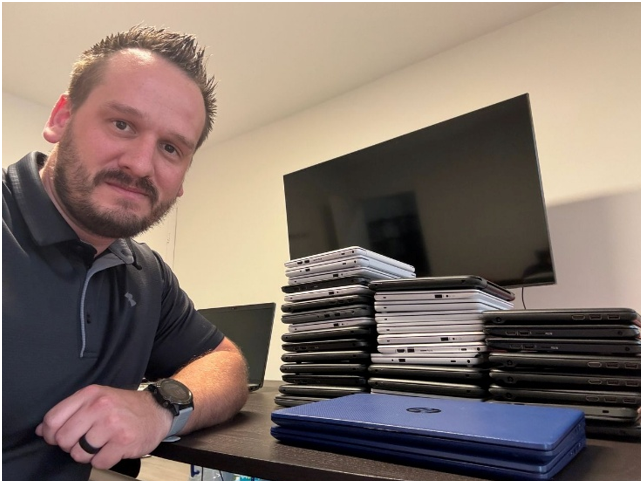
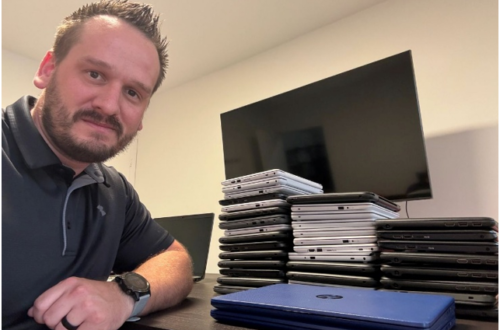
Last month in August, I uploaded profile packages for 55 student laptops for a school this week. This setup for these students allows for any student to log into the laptop using their school email and the profile will be uploaded onto that laptop. This greatly enhances the use of the laptops so they can be used by more than just one student and throughout the day any of these laptops can be used multiple times by different students. Part of the process setting up these laptops is creating a package on a USB drive. We start by resetting the laptops erasing all of the files which takes the most…
-
Network Upgrade with Ubiquiti!!! (Video) (Posted Aug 16, 2024)
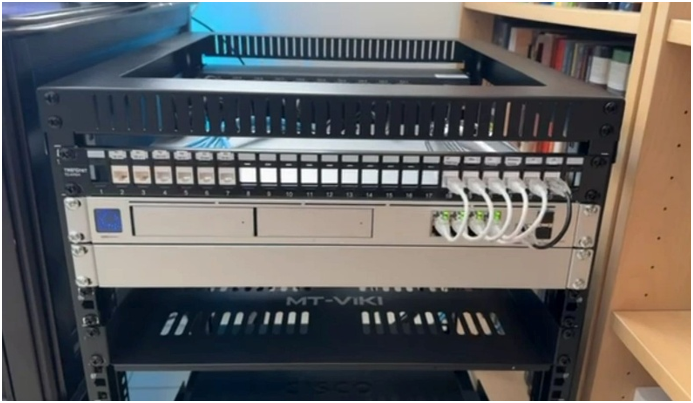
VIDEO – https://www.youtube.com/watch?v=PIapByJDWn4 I completed a major upgrade to my network moving from a Netgear Wi-Fi/Router combo to a fully managed network. There is a big difference!!! This video will show you what I built, how I built it, and the strategy of the implementation. May hosts are now hard lined in the house other than mobile devices. The creation of the network was a great thing to do which implements IP addressing, VLANs, Trunk Ports, and firewall rules. Below is additional information on this project. RACK – MDF The rack is a 12U which has my main components on the top, then on the bottom is labbing equipment (labbing…
-
CCNA Home Lab!!! (With Video Part 2) (Posted Nov 8, 2023)
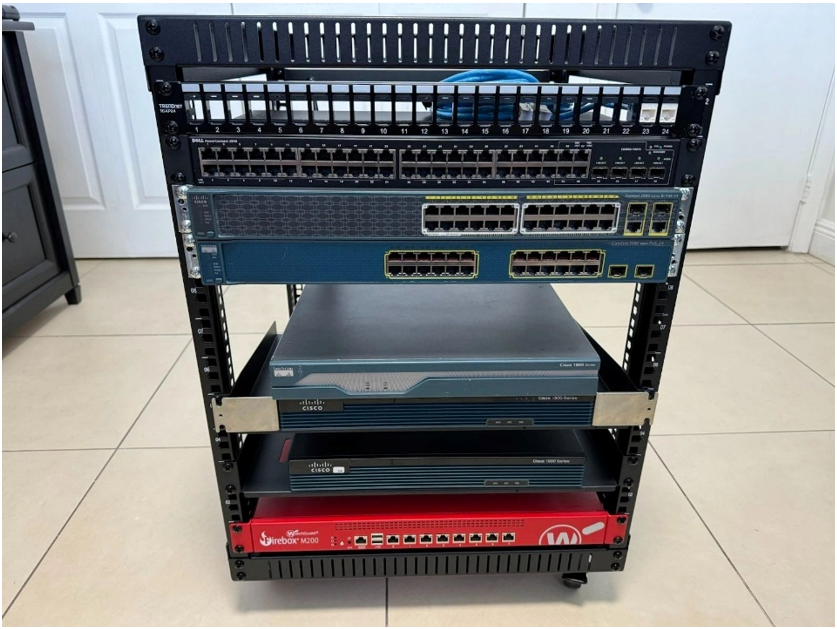
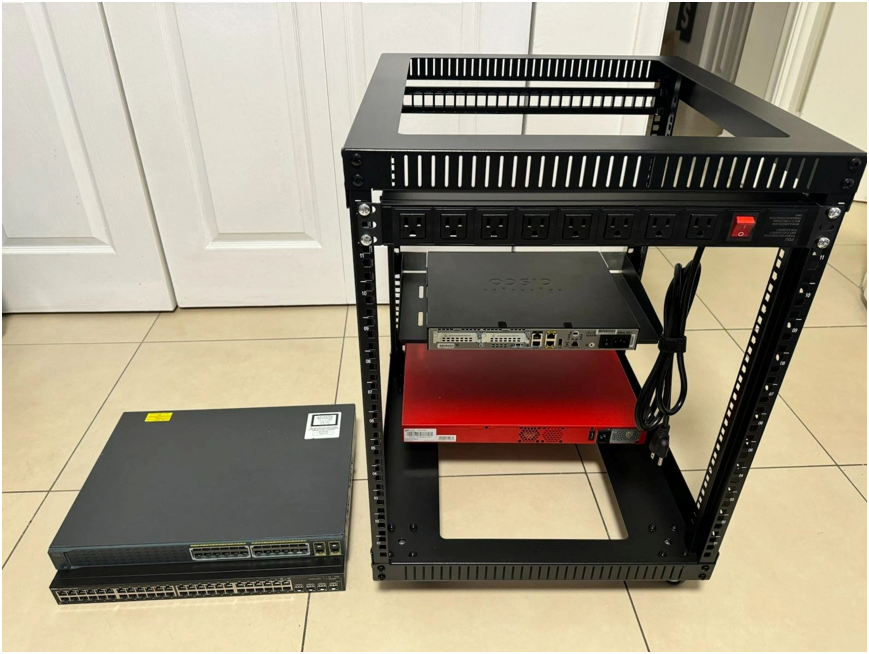
VIDEO – https://www.youtube.com/watch?v=8eIbtfgsr6s All my equipment has arrived save for a few wings for the routers. I have waited to start plugging things in until everything is assembled. You will see I begin turning on the equipment here in this video. I added another power strip after considering the joule count for possible power issues due to not having a UPS for this set up. The first strip I had mounted already had 300 Joules, which I kept on the rack for a secondary power source for hosts. EQUIPMENT LIST 1. Rack – RIVECO 12U Server Rack Open Frame (19 inch).(LINK) 2. Patch Panel – TRENDnet TC-KP24, 24Port 1U Patch…
-
CCNA HOME LAB!!!! (With Video) (Posted Oct 25, 2023)
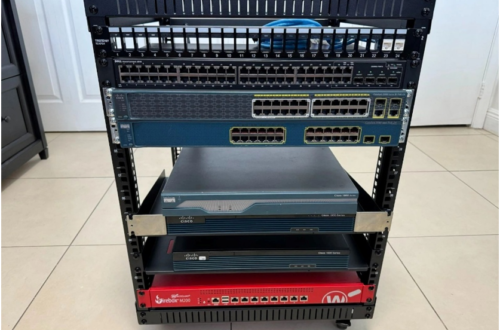
VIDEO – https://www.youtube.com/watch?v=0gV206CiJVw I began building a CCNA Home Lab mostly consisting of unused equipment that I borrowed from my company. I’m also purchasing other devices to add to this rack. I will have 3 Cisco routers, 1 Cisco layer 3 level switch, another Cisco switch and then a Dell switch as of now. Maybe I’ll add more later if I feel the need. With 3 routers I am able to work on routing protocols and I can see how these routers respond to protocol changes. Its been a process getting the rack together, I keep finding this or that which I need to get to keep building it (more…
-
Look What I Have! (Posted Oct 9, 2023)
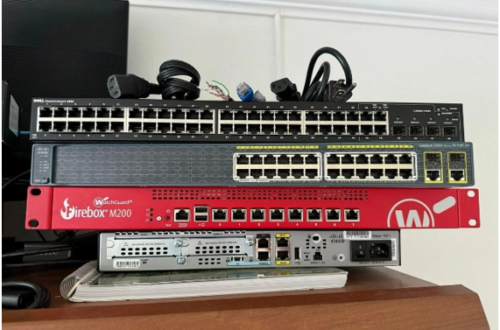
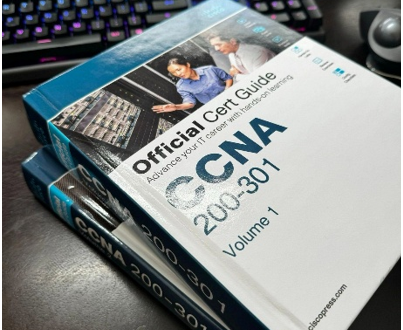
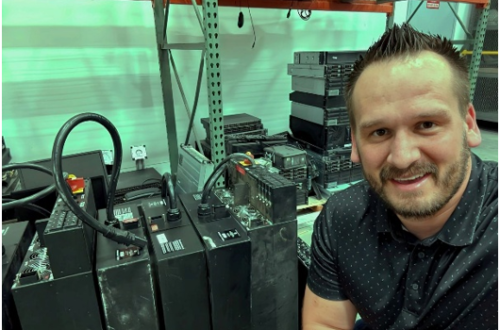
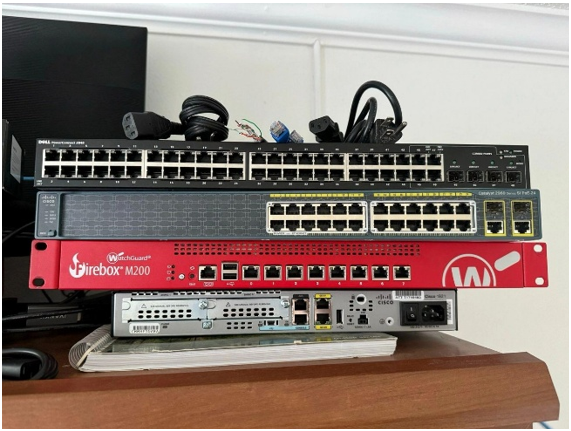
The great thing about working in tech is that you can come by “FREE” unused or old devices to configure and test at home. While the devices are older, these still will provide me the opportunity to familiarize with this type of technology from default and be free to build. This will come in handy as I am knee deep study for the CCNA certification. Special thanks for Adonis Caballero for his input. Adonis is a friend of mine who is pursing goals in obtaining further education to get his bachelors degree at Pheonix University and has aspirations to get into Cyber Security. We are in frequent discussions about tech…